Design & Convert
Custom Icon Packs
IcoMoon provides advanced vector iconography tools for designing, organizing, remixing, and publishing icon packs.
Start Creating
No Signup
SVG Editor and Multicolor Icon Font Generator
Live Collaboration
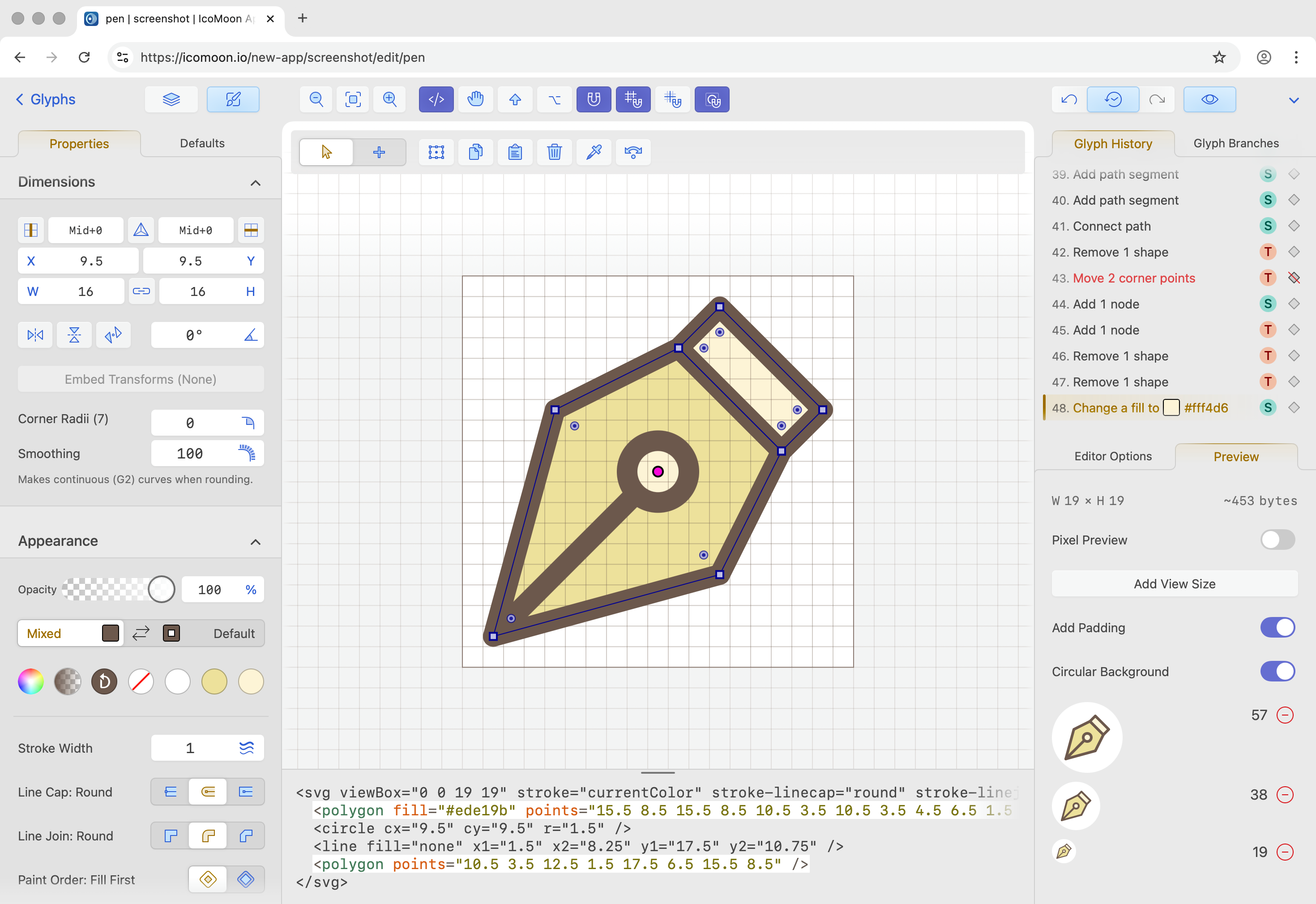
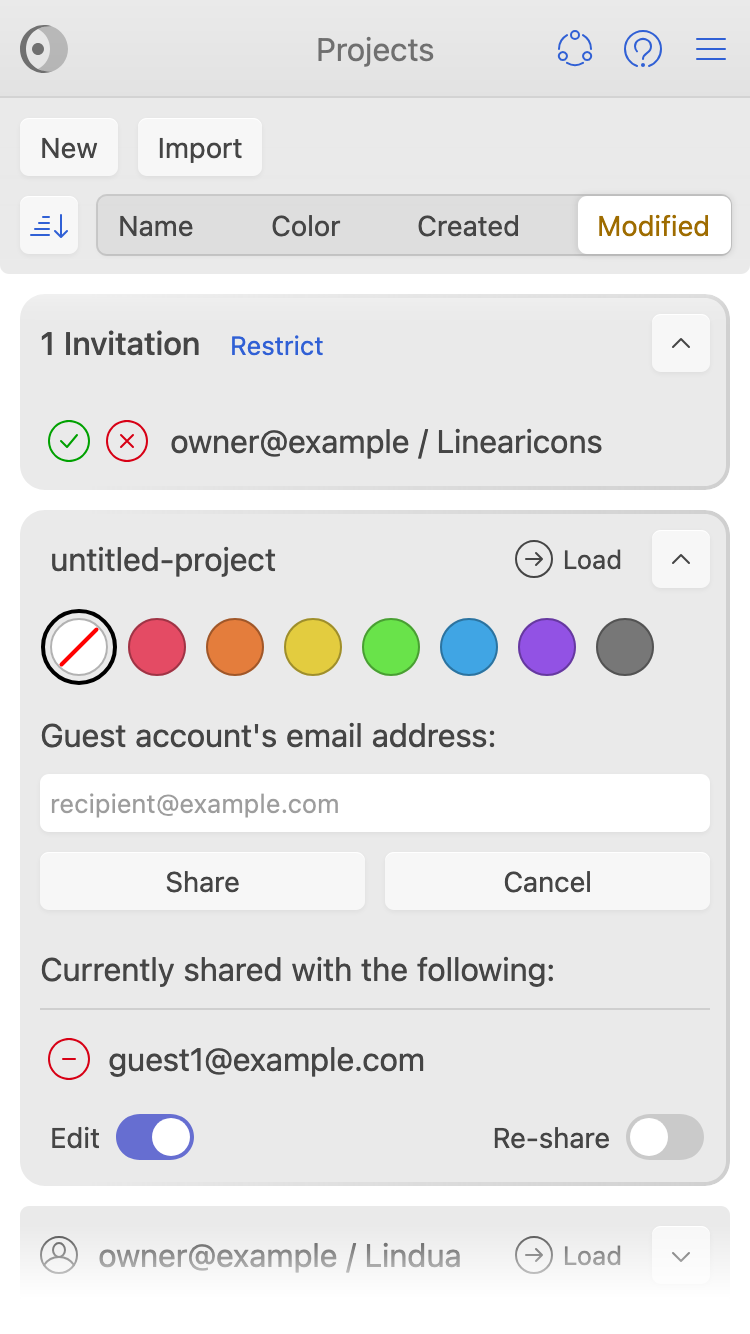
Collaborate on a single glyph or an entire SVG icon pack together with your team members. Sharing projects with restricted permission (read-only) is supported too.
Mobile & Touch Ready
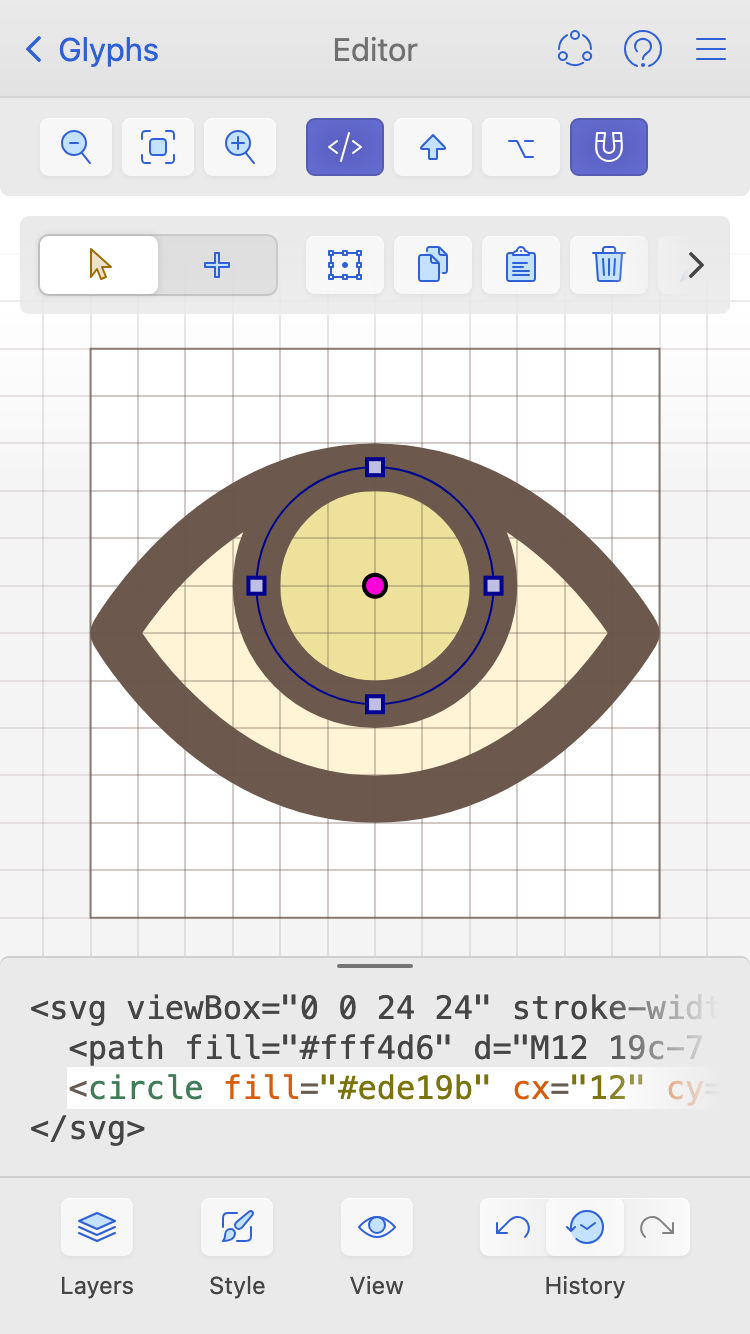
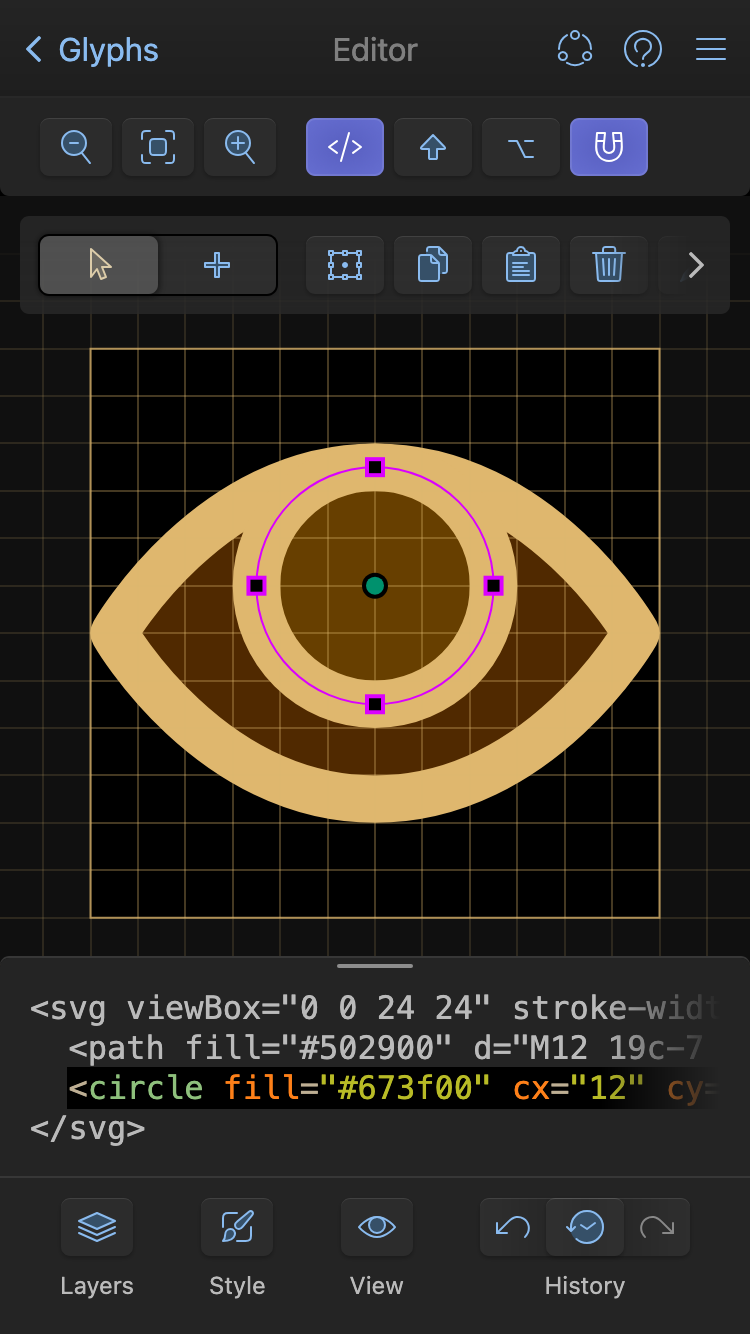
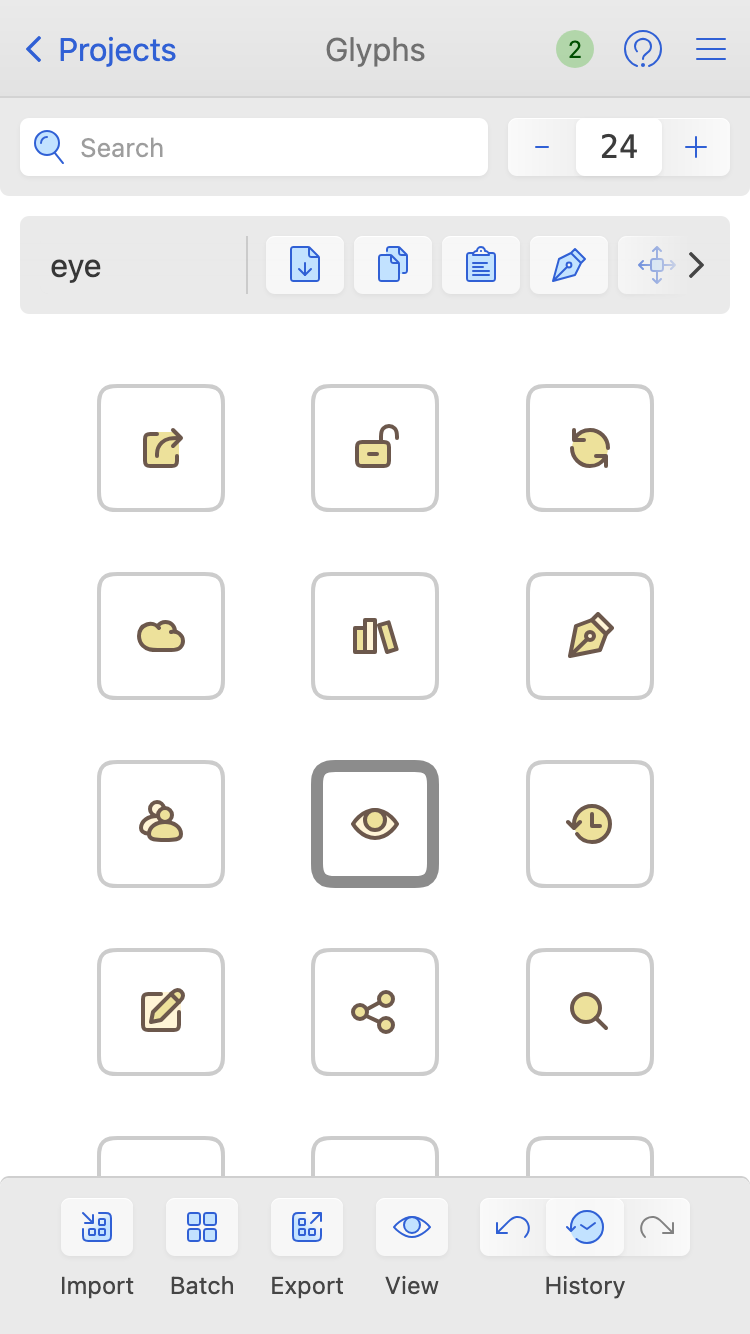
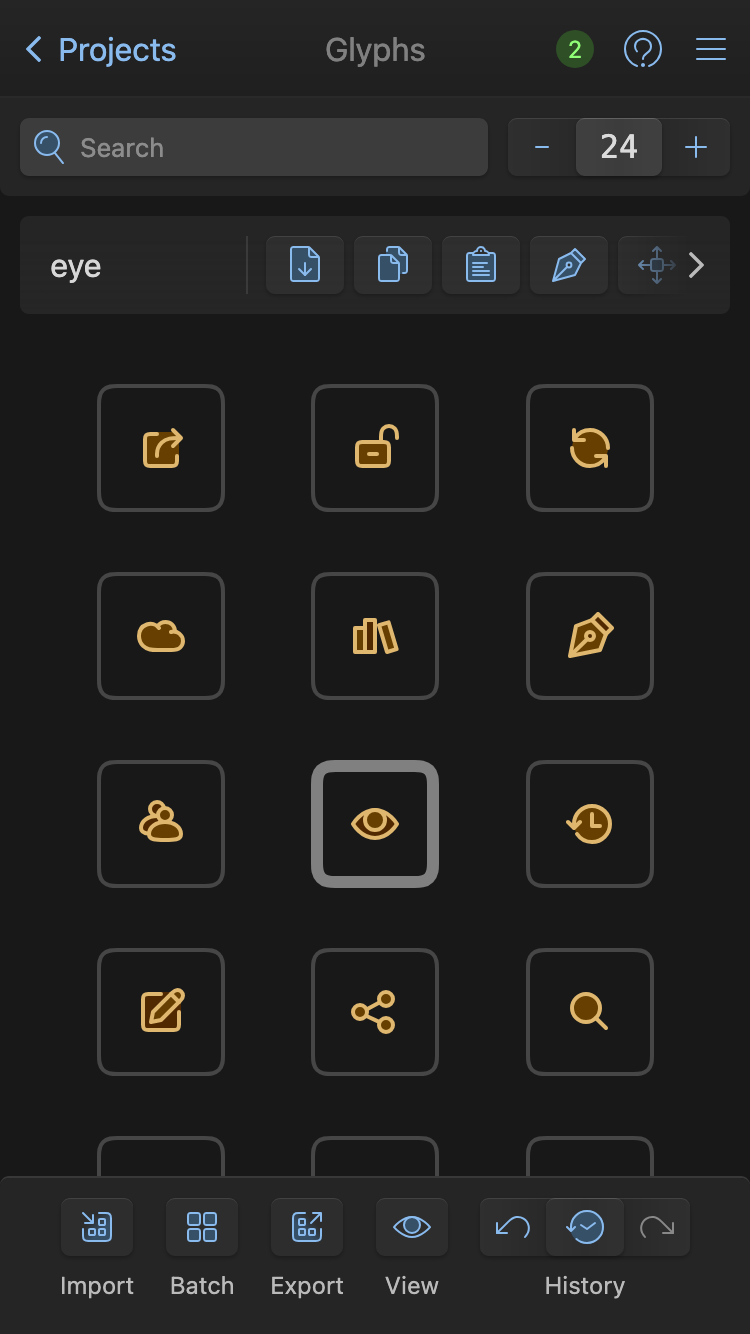
This app was designed from the ground up to be mobile responsive and support all screen sizes. You could use it on mobile devices with touch input.
Installable Web App
The new app is a PWA. It's offline-first too. You could "install" it (aka "Add to Home Screen" or "Add to Dock") to have access to an SVG editor even when you're offline!
SVG-First
Unlike most vector editors, IcoMoon uses SVG for rendering SVG! The changes you make in the GUI get reflected in the code editor and vice versa.
Generate Color Fonts With Ligatures
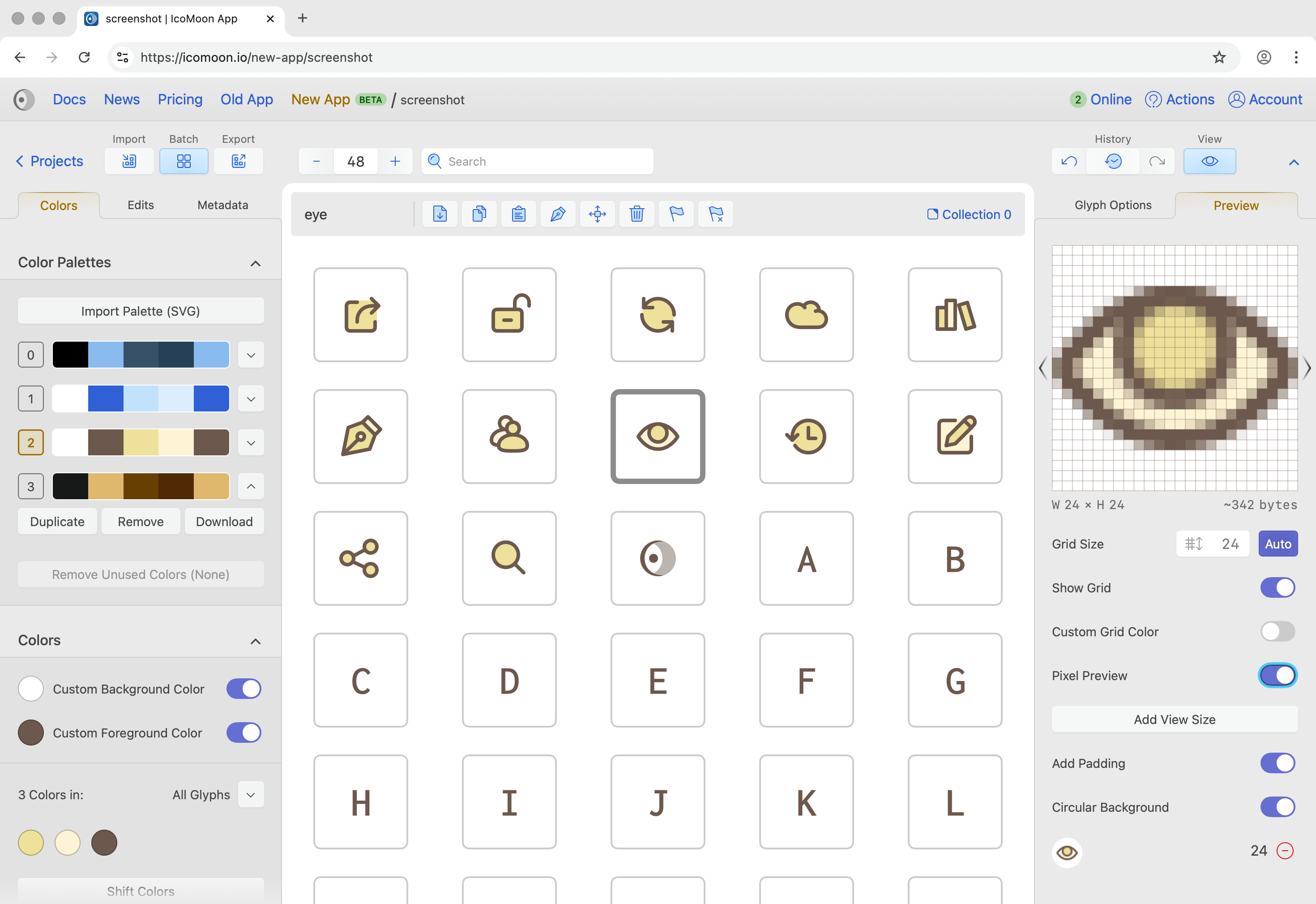
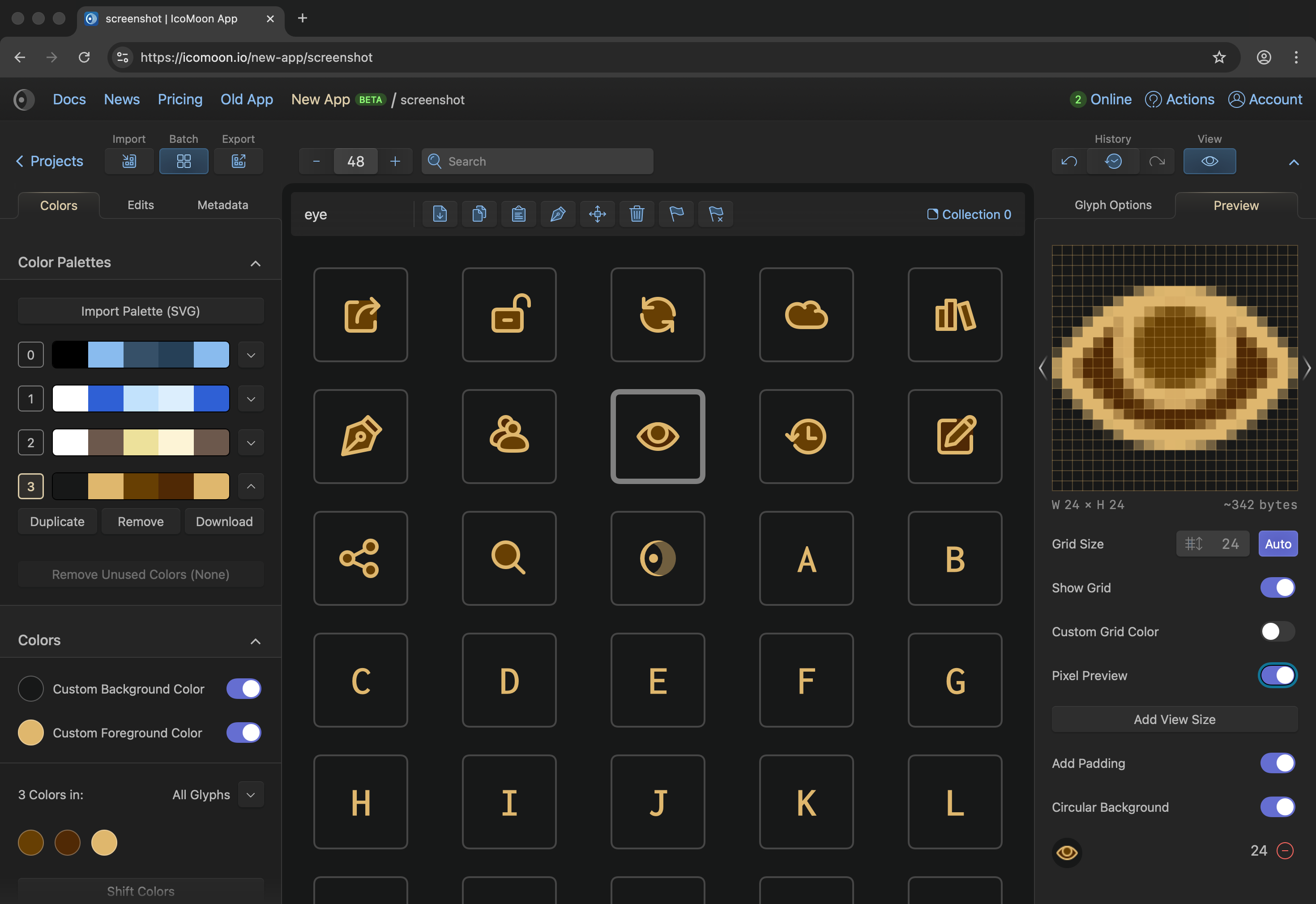
Choose only the icons you need to make a small and optimized multicolor icon fonts. You can also assign ligatures to your glyphs. Generated color fonts use the COLRv0 format which is supported in all modern browsers and operating systems.
The font used in the demo above was generated in the new app, featuring Harmonicons and a subset of Inconsolata, Semi Bold, which was imported and combined with icons from Harmonicons.
Browse Over 20000 Free Open Source Icons
IcoMoon's library features thousands of high quality, free and open source SVG icon sets. Carefully curated, these icons are pixel fitted and optimized to be used with the IcoMoon app. The library comes with Copy and Download tools, allowing for quick one-off usage of icons in your chosen format, without having to add them to a project first.
Fun fact: The library features two new sets, Harmonicons and Orbiters. Both these sets as well as every SVG icon you see on this website (except for the ones used in the old app), were entirely designed in IcoMoon's own vector editor!
Import SVGs and Fonts, Export Multiple Formats
The new app can import the following font formats: WOFF/WOFF2, TTF, and OTF. You can also import SVG images or SVG fonts.
Formats currently supported for exporting icons: Font (all formats mentioned above), SVG images, SVG Sprites (symbol defs), Web Component, Elm, React, Vue, Tiles, PNG-24, Indexed PNG, Favicon (.ico), CSH (Photoshop Shapes), Flutter, and more. If you have any suggestions for other export formats, do let us know. We appreciate your feedback.