IcoMoon lets you use your icons both as SVGs and icon fonts. There are pros and cons to both methods. SVGs are recommended in most cases; but if you need a lot of icons in your UI, fonts can provide better file size compression. The following is a comparison of the same set of icons containing 170 icons in both SVG and font formats. The SVG file has been minified and it contains all the <symbol> definitions ready to be inserted via the <use> tag. Files used in this comparison have been linked below.
* WOFF 2.0 files should not be gzipped because they are already compressed using the “brotli” algorithm.
Why TTF for embedded fonts?
Embedding fonts in CSS can help improve the performance of your page and significantly decrease its rendering time. Linearicons.com uses an embedded TTF font (called AlphaNum20) for its main type.
But what is the best way of embedding fonts? Should you embed all font formats? How about WOFF 2.0 fonts?
The short answer is to only embed the font in one format, which is TTF. The IcoMoon app can do this for you (Generate Font → Preferences → Encode & Embed Font in CSS).
To decrease the size of the CSS as much as possible, only one font format should be embedded. Looking at the caniuse page for TTF support, we can see that it has the best browser support compared to other formats. As noted on the caniuse page, if a TTF font is set to be "installable", then IE would support it without any issues. Fonts generated by IcoMoon are set to "installable" and they have been tested to make sure they work in IE.
Embedding TTF would also yield a smaller CSS file compared to embedding WOFF. That is because WOFF fonts are basically TTF with a wrapper/overhead, and WOFF 1.0 uses gzip compression. Therefore, if the CSS is to be gzipped, embedding TTFs (which don’t have extra WOFF headers) would result in a smaller file size.
For the very best optimization, you might want to consider using WOFF 2.0 fonts (which offer better compression compared to gzip); but they are not widely supported yet. Therefore, if you decide to embed a WOFF 2.0 font, you would additionally need to embed the font in other formats to compensate for its lack of browser support; which means an unnecessarily larger CSS. The conclusion is that for embedding, TTF fonts provide both the best optimization and browser support, without any drawbacks compared to WOFF or other formats.
WOFF 2.0 Fonts Have Arrived!
If you are using a paid plan, your font packs will now contain WOFF 2.0 fonts too. This new format provides improved compression. The following is a size comparison of the WOFF and WOFF 2.0 versions of the icon font that is used in the IcoMoon app itself (with 75 glyphs):
WOFF: 12 KB (6.2 KB gzipped)
WOFF 2.0: 4.8 KB (no gzip, see note below)
In this case, the WOFF 2.0 version is about 22% smaller than the gzipped WOFF file.
Note that since WOFF 2.0 uses its own compression algorithm (brotli), server side gzipping should be avoided.
Welcome PDF Icons in IcoMoon!
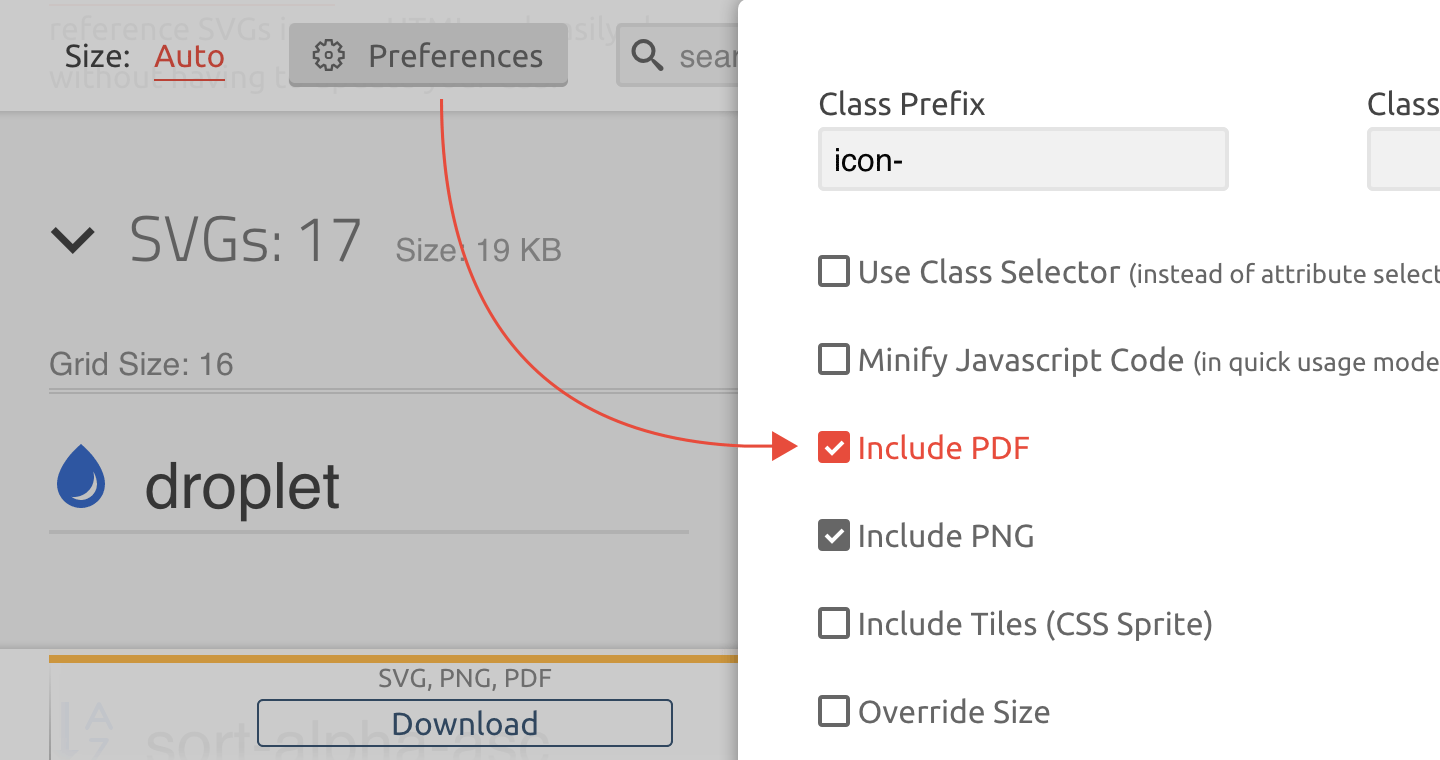
The latest update to the IcoMoon app introduced the option to generate PDF documents. To generate PDFs, go to the “Generate SVG, PNG, PDF” tab and check the “Include PDF” checkbox in the “Preferences” panel.
Some use cases for PDFs:
Even though SVG images can’t be imported to Adobe Photoshop, PDFs can be imported as vector “smart objects”.
You can use PDFs in Xcode 6 for iOS and OS X app development.
Icon Pack Updates
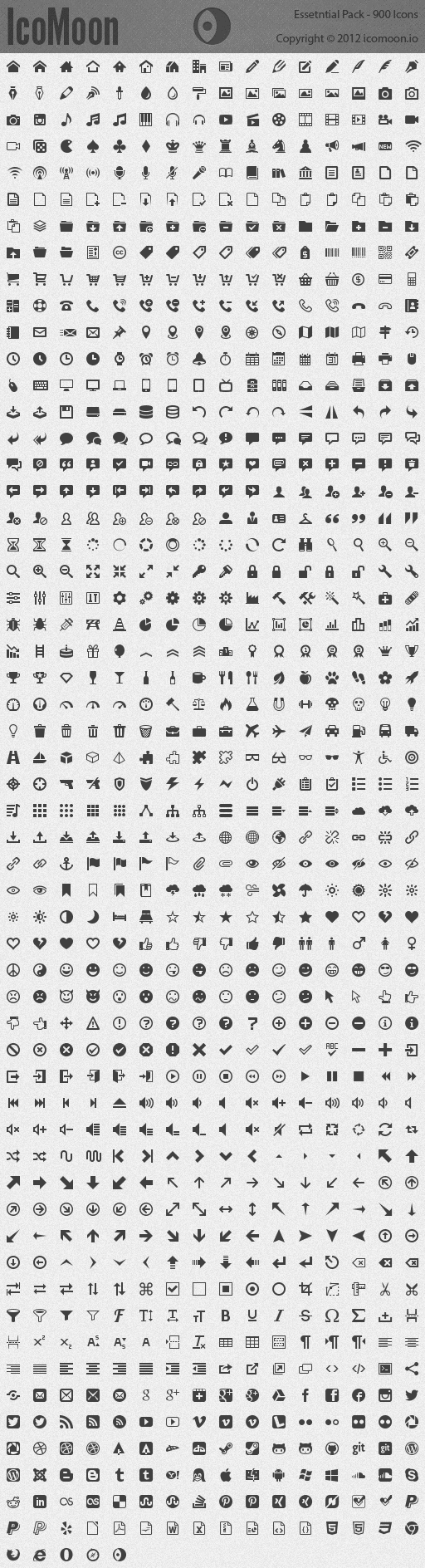
IcoMoon’s Ultimate and Essential packs were updated. The Ultimate pack now features over 1600 icons and the Essential pack comes with 950 icons.
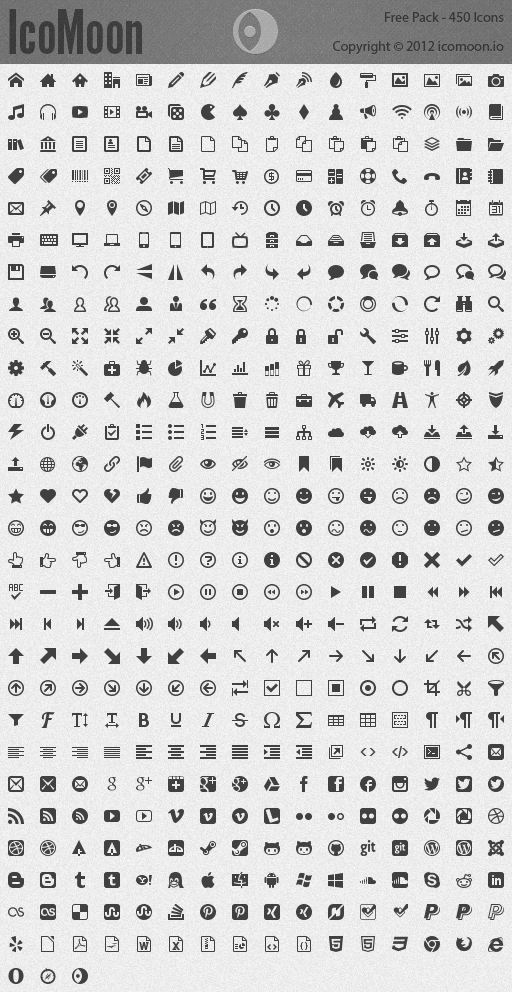
IcoMoon’s free icon pack was also updated. It now contains 490 icons and it comes with an installable ligature font (in TTF). You can view/download it on github.
Apple Uses IcoMoon!
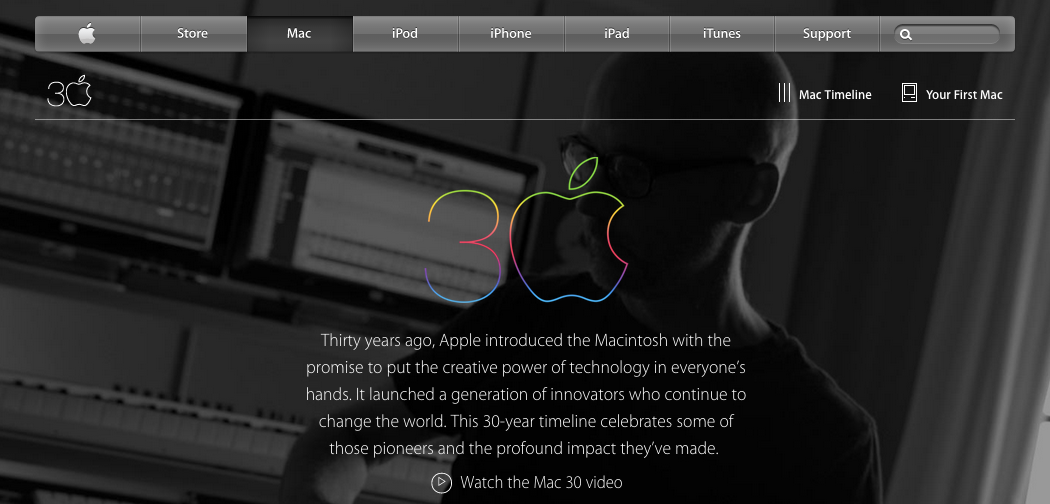
Interesting news! Apple is using an icon font generated by IcoMoon on their page for celebrating 30 years of Mac.
IcoMoon App, the new version
After many months of work, the new version of the IcoMoon app was released. Check it out and please let us know if you have any feedback: Google Group, Twitter
More details about the new version and its features will be posted in the near future.
Migrating from the old version
Session files exported from the old app are not compatible with the new version. But if you generate a font pack using the old version, it should contain a file ending with “dev.svg” located under the fonts folder. You can import this file to the new version of the app using the purple “Import Icons” button. After importing this file, click on the menu at the top right corner of the set that was imported and press “Select All”.
The first one is called 80 Shades of White Icons made by Victor Erixon. This set features eighty beautifully crafted icons, optimized for (16 × N)px.
The second icon set is called Steadysets. Designed by Tommy Sähl, this set features 140 icons with a unique style. Icons in this set are optimized for (24 × N)px.
Please enjoy and remember to support the work of these designers.
Font Antialiasing in Windows
Update: Chrome was updated (in version 37) to use DirectWrite for its font rendering which solved the antialiasing problem.
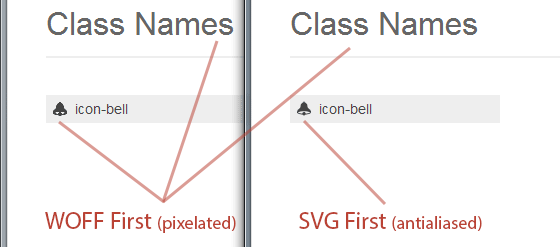
The Windows version of Chrome doesn’t have the best font rendering. The result looks pixelated and it has no antialiasing. One solution to this problem is prioritizing the loading of SVG fonts over the other formats (in your @font-face in CSS). I wrote about this technique a long time ago and I have been using it in IcoMoon, too.
SVG fonts lack compression and therefore they are very larger in size compared to other font formats. But I think this larger size is worth getting rid of the pixelated font rendering in Windows. (SVG fonts also render slightly better in other operating systems.)
Unfortunately, there is a strange bug (Issue 95102) in the Windows version of Chrome that randomly occurs and causes unwanted results and layout breaks. This bug happens very randomly and therefore it is hard to reproduce. According to some of IcoMoon users, this problem goes away when they use the PUA encoding; but due to the random nature of this bug, I can’t confidently guarantee that using PUA encodings completely solves the problem. Therefore, I had to change IcoMoon’s default CSS to prioritize WOFF fonts over SVGs. But if you really care about the Windows version of Chrome, and if you’d like to get smooth and antialiased results, there is still one more workaround (taken from this stackoverflow answer) which you can safely use. In addition to your original @font-face (with the WOFF font on top), use the following:
More information about these packages can be found on the Icon Packs page.
Update: Importing Generated Fonts
The IcoMoon app was updated. Every generated pack now includes an additional SVG font which ends with .dev.svg. By importing this SVG font, your current selection of icons would be cleared. Instead, all the glyphs in the imported font will be selected. This makes modifying your previously generated fonts easier.